
Design options
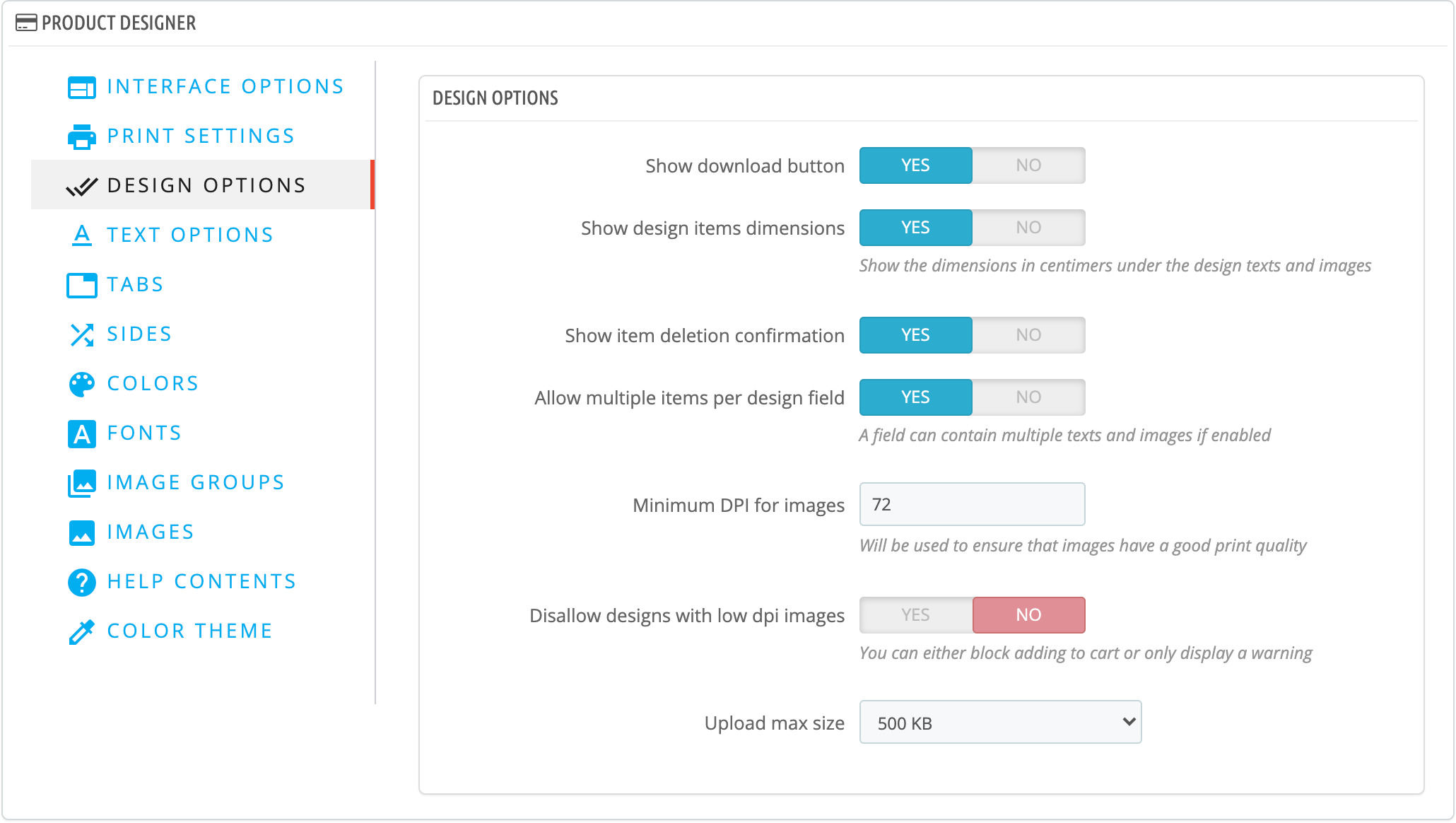
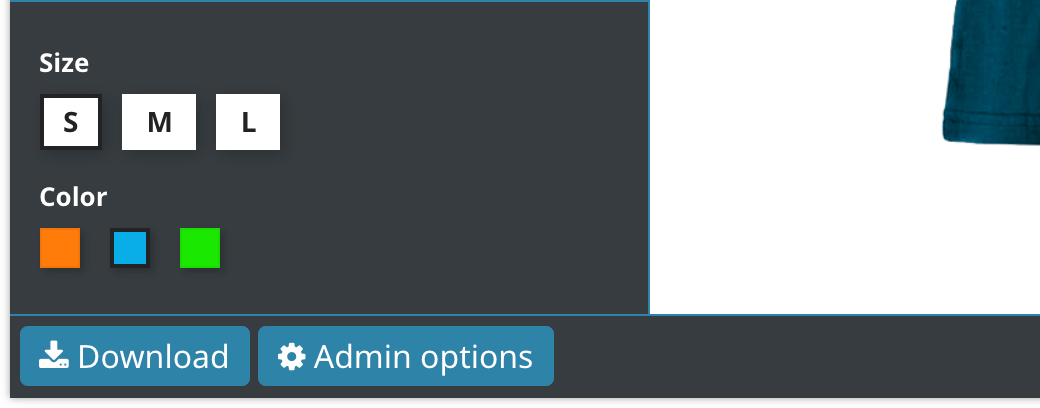
Show download button
Will show a download button allowing the customers to download the design as PNG
Show design items dimensions
Will show the design item size in centimeters
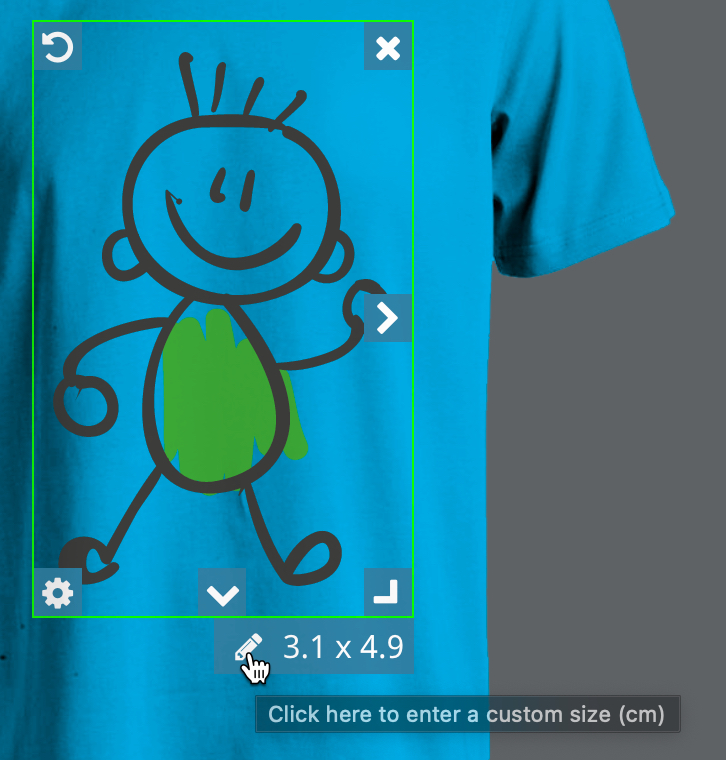
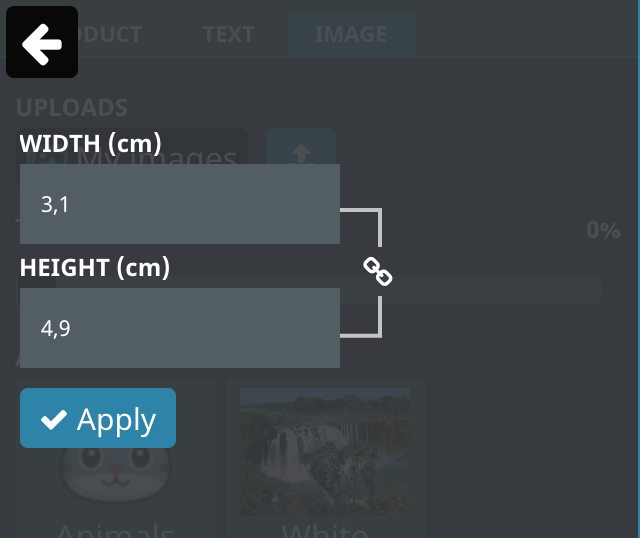
The customer can change the size by clicking the edit button
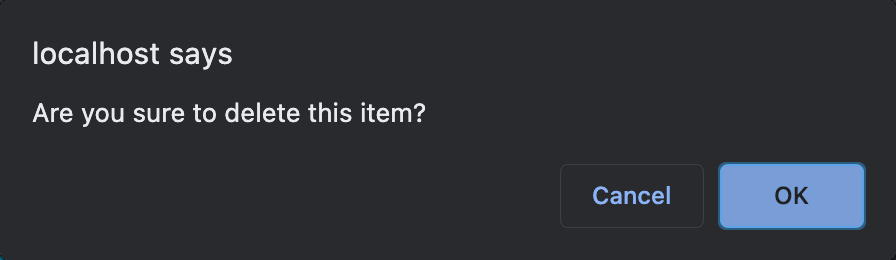
Show item deletion confirmation
Will warn the customer when deleting a design item
Minimum DPI for images
Allows you to configure the minimum required DPI for images, thus ensuring a good print quality.
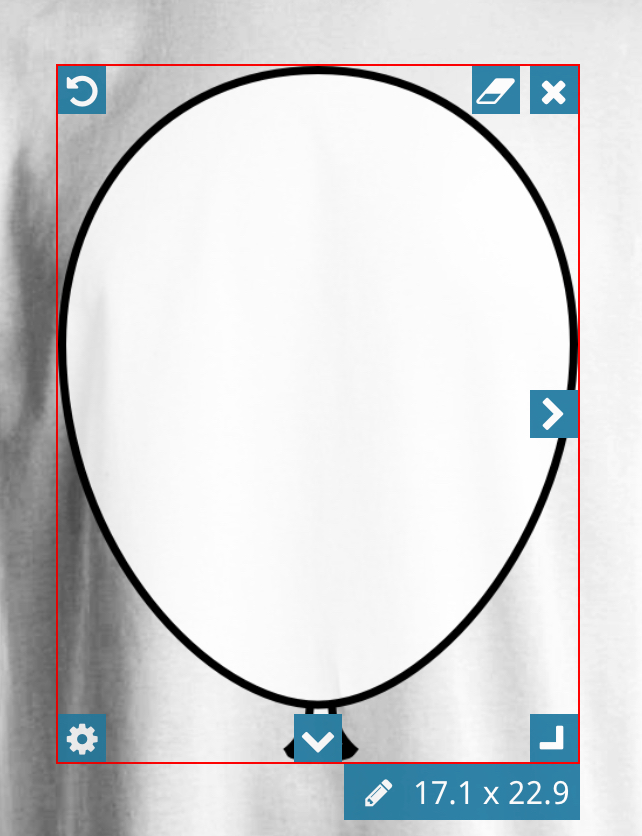
When the image does not have a sufficient quality, its borders will be highlighted in red
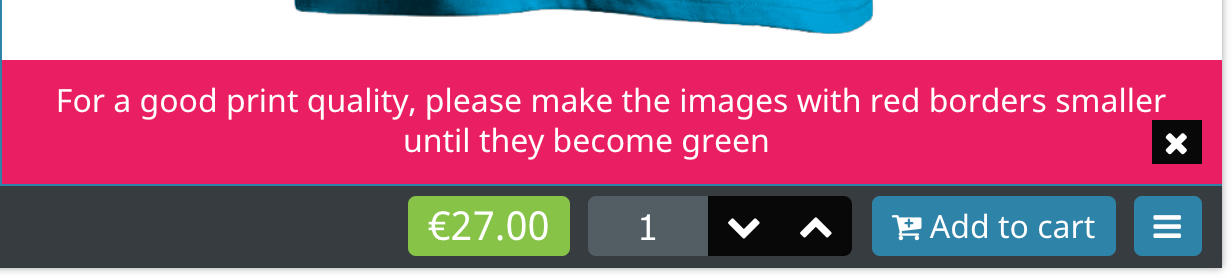
An error will be displayed to prevent adding a design which has an image with less than the required DPI
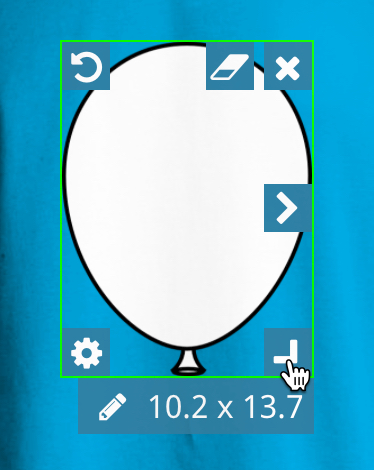
The customer can then reduce the size of the image until all the borders are green
Disallow designs with low dpi images
If disabled, the module will only show this warning when the design contains an image with insufficient quality
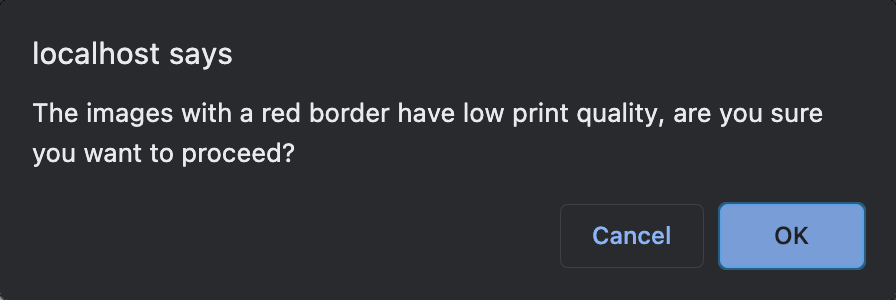
If enabled, then the module will show this error
Upload max size
This option sets the maximum file size for customer uploads