
Downloads
The module allows you to download several files in order to produce the design.
SVG Download
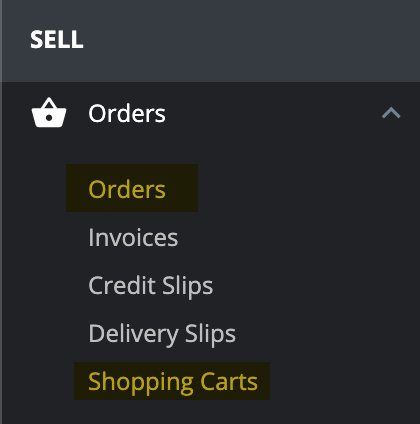
You can download the production SVG from the backoffice order page or from the carts page
The module will display each design summary like this
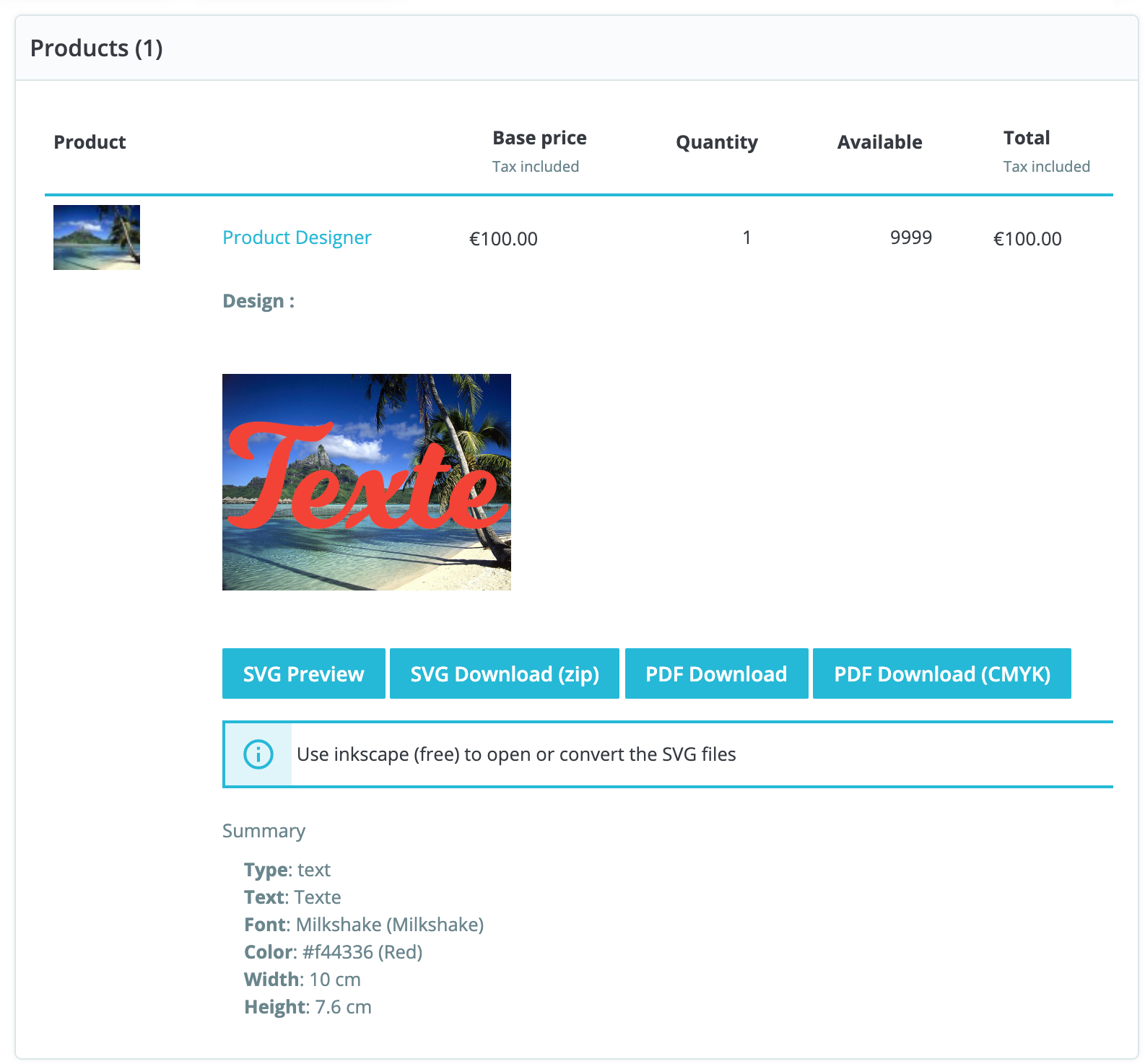
Click the button  to download the SVG file and the files that are related to the design in a single zip archive.
The zip will contain different folders for the different design sides
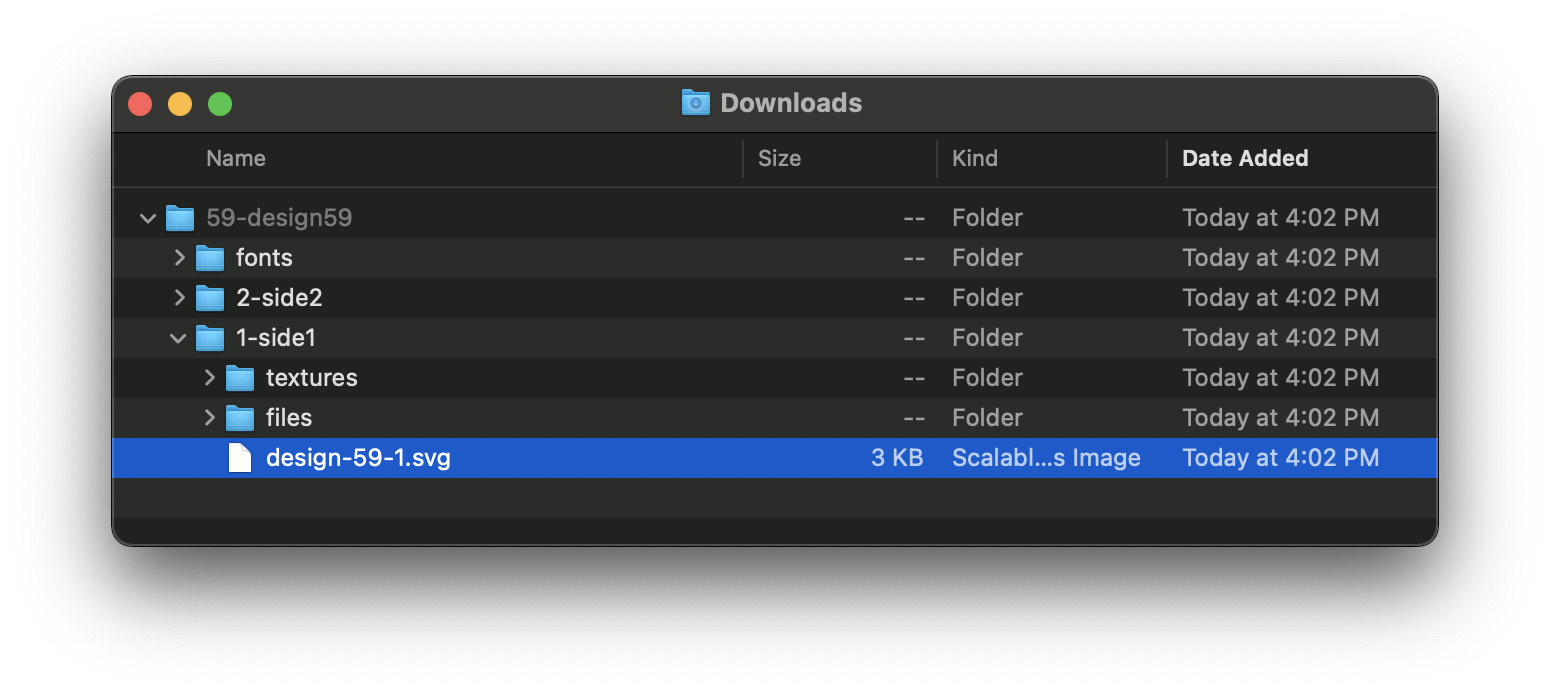
Opening the SVG files
To open the SVG files, you need to use  inkscape because it's the only program that is compatible with browsers in terms of SVG support.
You can also use inkscape to convert the SVG to PDF if you want to open them in other programs like Corel or illustrator.
Server software
The SVG download works on any server. The other downloads, the preview images and some upload formats need extra software on the server. The module detects what is installed and uses the first tool that works.
| Software | Used for | Install hint |
|---|---|---|
| Inkscape 1.0+ | PDF download, PNG previews, AI / EPS / PDF uploads | sudo apt install inkscape |
| Docker | Runs Inkscape in a container when Inkscape is not installed | Using docker |
| Chromium / Google Chrome | Chrome PDF and Chrome PNG downloads | sudo apt install chromium |
Ghostscript (gs) | CMYK PDF download | sudo apt install ghostscript |
ImageMagick command line (convert, magick) | PNG previews (last fallback), HEIC uploads | sudo apt install imagemagick |
PHP Imagick extension (php-imagick) | HEIC and AVIF uploads, without shell access | sudo apt install php-imagick, then restart PHP-FPM or Apache |
| PHP GD with AVIF support | AVIF uploads | Included in PHP 8.1+ builds with AVIF enabled |
heif-convert | HEIC uploads | sudo apt install libheif-examples |
tifig | HEIC uploads (last fallback) | tifig releases |
| Remote converter (paid API) | PDF, Chrome PDF and PNG previews when nothing is installed | Remote converter |
TIP
All command line tools need the PHP shell_exec function to be enabled, and the binary must be in the PATH of the web server user. The module also looks in /usr/local/bin and /opt/homebrew/bin.
Imagick vs ImageMagick
The PHP Imagick extension and the ImageMagick command line tools are installed separately. The extension runs inside PHP and doesn't need shell_exec. HEIC needs ImageMagick built with HEIC support, and AVIF needs it built with AVIF support. To check that the extension is loaded:
php -m | grep imagickFallback order
| Feature | Tools tried, in order |
|---|---|
| PDF download | Inkscape, Docker (linuxserver/inkscape), remote converter |
| CMYK PDF download | Same as PDF download, then Ghostscript converts the PDF to CMYK |
| Chrome PDF download | chromium, chromium-browser, google-chrome, remote converter |
| Chrome PNG download | chromium, chromium-browser, google-chrome |
| PNG previews | Inkscape, Docker (uvarc/inkscape:1.0), remote converter, ImageMagick convert |
| AI / EPS / PDF uploads | Inkscape, Docker (uvarc/inkscape:1.0) |
| HEIC uploads | PHP Imagick extension, heif-convert, ImageMagick (magick, then convert), tifig |
| AVIF uploads | PHP GD, PHP Imagick extension |
If no tool works for PNG previews, the module keeps the SVG preview.
PDF Download
To be able to download PDF files directly from the backoffice, you need to install inkscape 1.0 or newer on your server.
The reason for requiring inkscape 1.0 or newer, is that it's the only version of inkscape that supports SVG embedded fonts.
Inkscape installation
To install inkscape, you need access to a terminal to allow you to execute the following commands.
sudo apt update
sudo apt install inkscape
Then check the inkscape version like this
inkscape --version
# The version should be something like this:
# Inkscape 1.0.1 (3bc2e813f5, 2020-09-07)
Please ask your hosting service or webmaster for assistance regarding the installation of inkscape on the server.
Using docker
If you can't install inkscape 1.0 on your system, try using it from a docker container.
The module will pull these images in the background:
linuxserver/inkscapefor the PDF downloaduvarc/inkscape:1.0for PNG previews and AI / EPS / PDF uploads
The command that the module will execute for the PDF download is roughly:
docker run -i -v /var/www/html/designer:/var/www/html/designer linuxserver/inkscape /usr/bin/inkscape "/var/www/html/designer/designer/output/18-design18/0-side0/design-18-0.svg" --export-type=pdf
# /var/www/html/designer being the PrestaShop root dir in this case
You can pull the images in advance to avoid a slow first download:
docker pull linuxserver/inkscape
docker pull uvarc/inkscape:1.0
If you get a permission error, try adding the www-data user to the docker group.
sudo usermod -aG docker www-dataUsing Chrome / Chromium
The Chrome PDF and Chrome PNG downloads use a headless Chromium or Google Chrome to convert the SVG files. The module looks for these binaries, in this order: chromium, chromium-browser, google-chrome.
sudo apt update
sudo apt install chromium
If no browser is found, the Chrome PDF download falls back to the remote converter.
CMYK PDF
The CMYK PDF download first creates the PDF (see above), then converts it to CMYK with Ghostscript.
sudo apt install ghostscript
gs --version
Using the remote converter (Paid API)
You can use my online converter to convert the SVG files to PDF or PNG. It's used only when the local tools fail. The CMYK PDF download still needs Ghostscript on your server.
Here are the steps to follow:
1- Make a subscription to the API by following this payment link: 💳 API Subscription
2- Add this line to the file config/defines.inc.php
define('_DSN_API_URL_', 'https://converter.prestalife.net/');TIP
Make sure to insert this line after the <?php tag