
Image groups
You can add image groups will contain the images that the customer can pick from and add to the design.
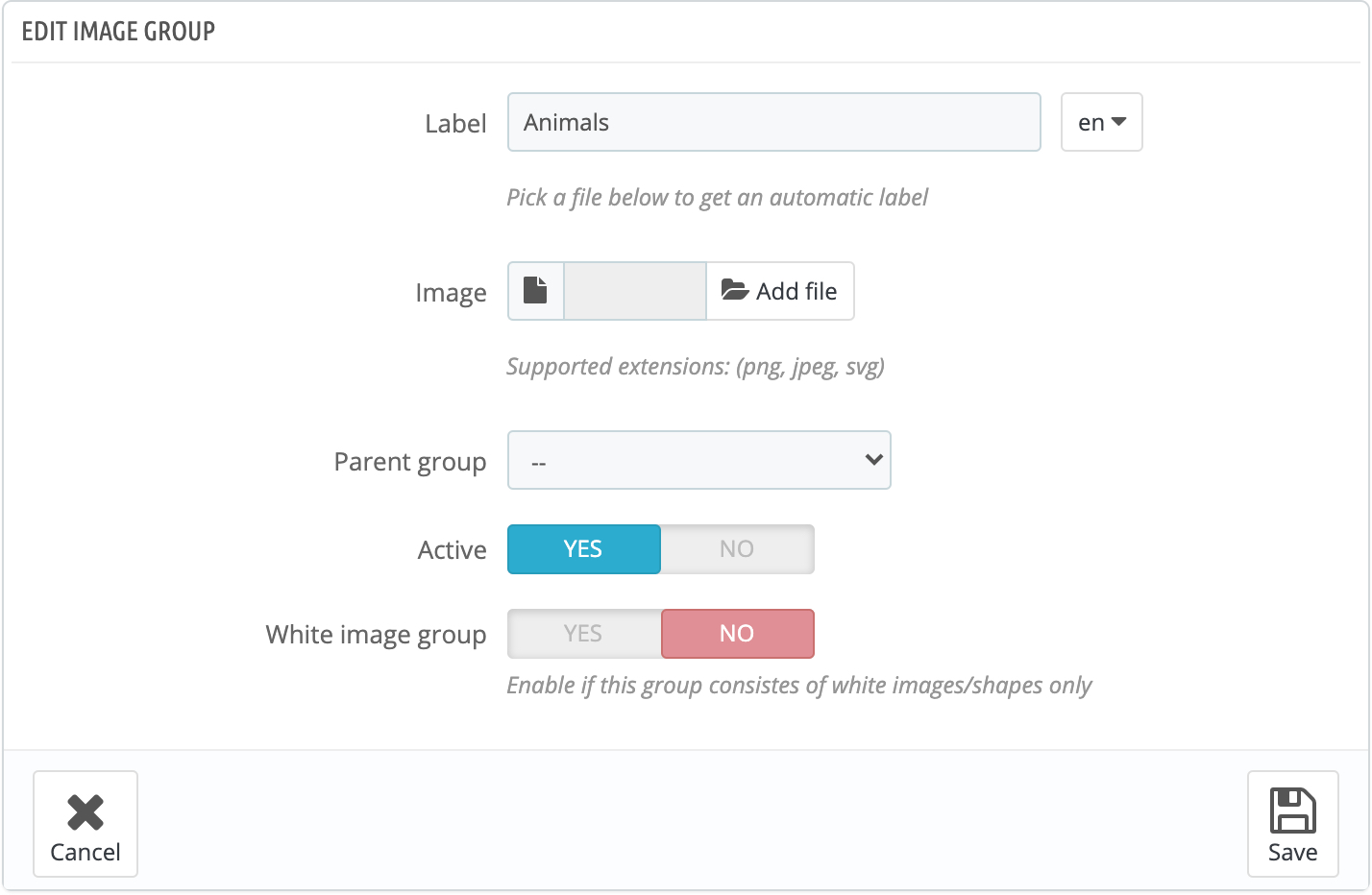
Here's the image group properties
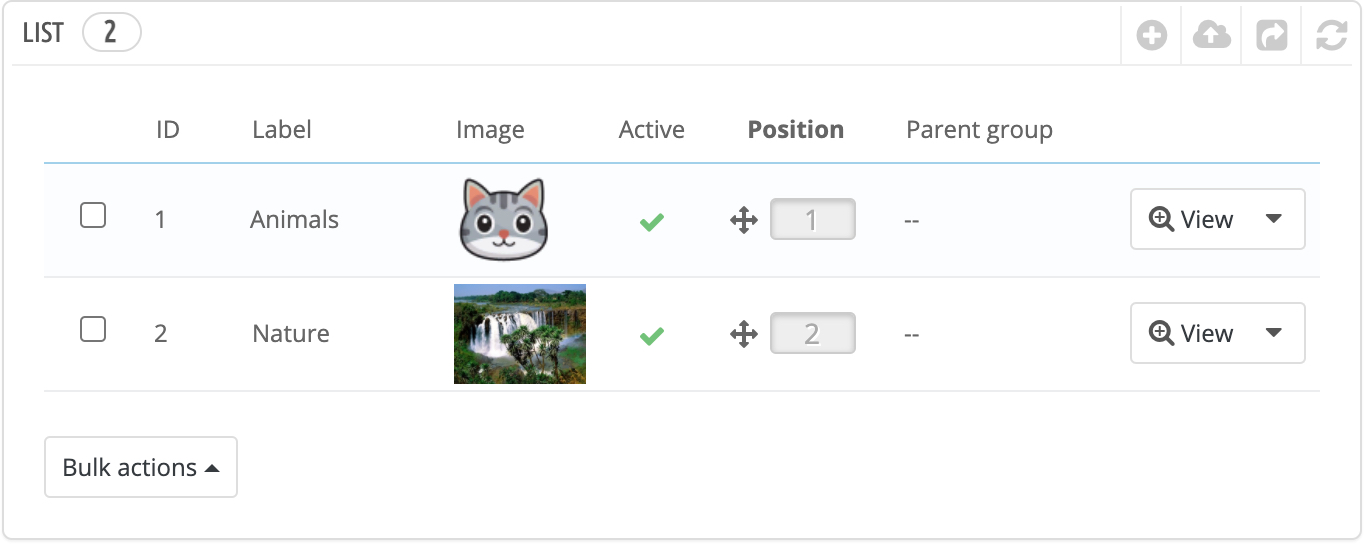
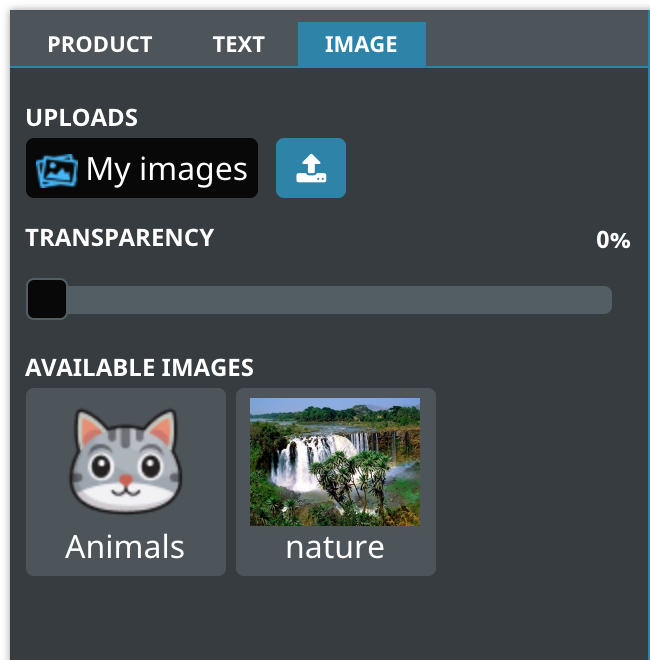
The image groups will be displayed like this
Parent group
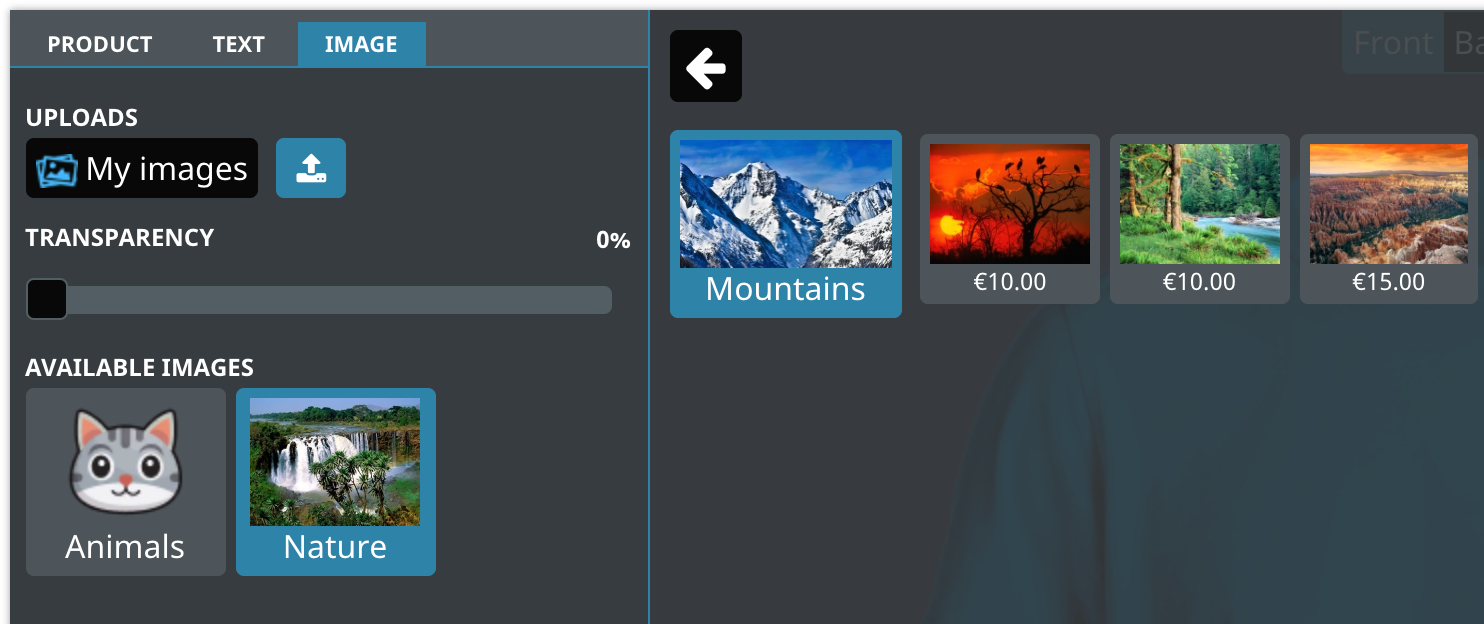
The group can either belong to the root category or to another group
In this example the Mountains group belongs to the Nature group, it will be displayed like this
White image group
Enable this option if the group will contain only white images. This is useful if you want to provide images that the customer can colorize using the Image colors feature. Images that belong to this group will be automatically colored using the first available color when inserted in the design.
Bulk import
You can import multiple image groups by clicking this icon