
Image options
Show colors in the image tab directly
If enabled, the image colors will be displayed like this
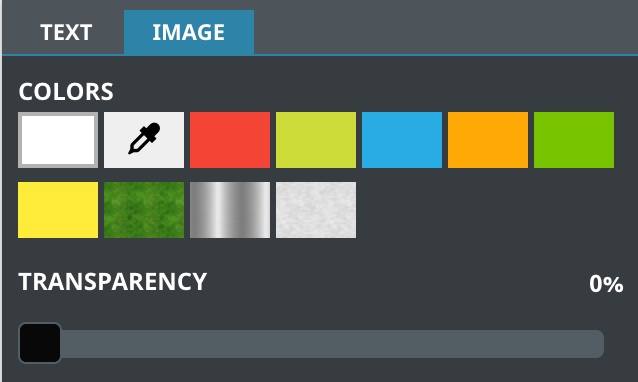
If it's disabled, the colors will be displayed behind this button 
Pixabay key
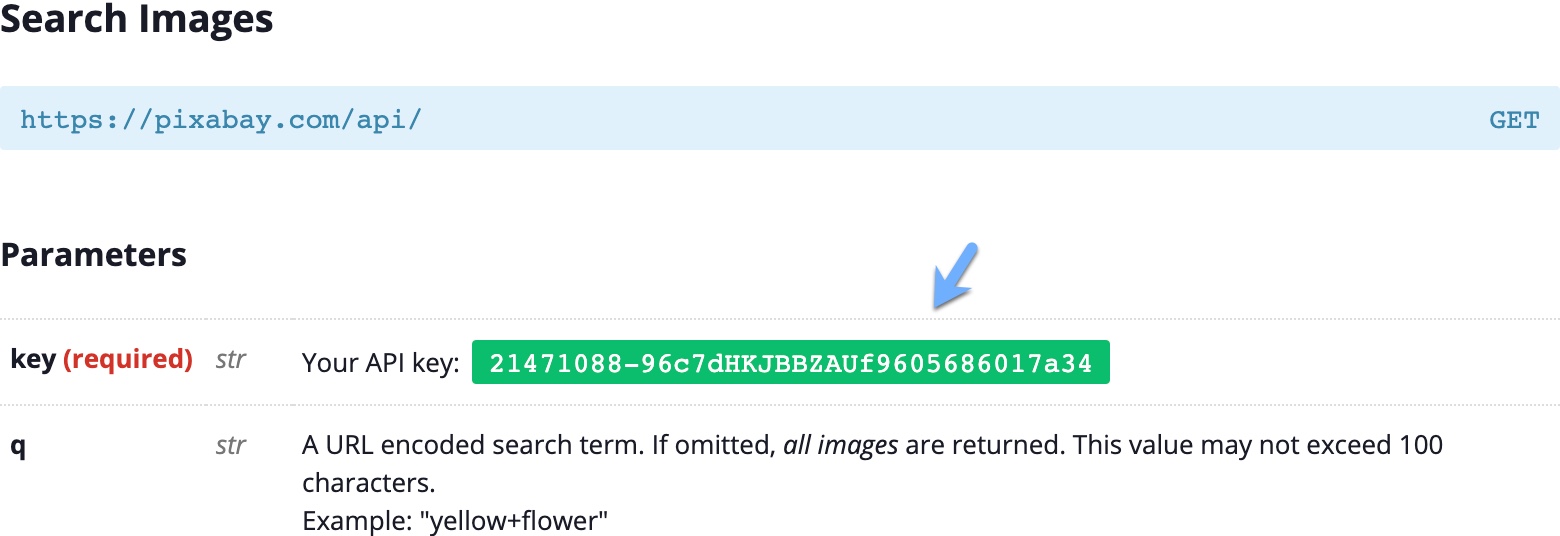
Pixabay is a free image search service. To enable it, you need to configure your key in this field. To get a Pixabay key, visit the API page, then create an account and copy the key. You can find the key in the Search Images section
You can then enable Pixabay search for any product of your choice in the product configuration .
Use Pixabay full size images
This requires full API access, you can get it here (search for full API access)
Instagram App ID
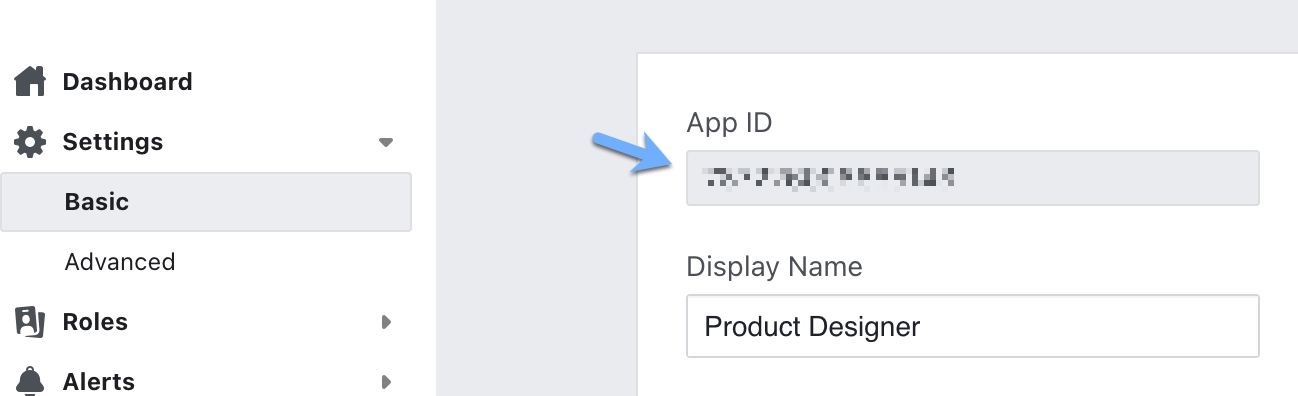
Create an Instagram App then copy the app id and save it in this field.
Instagram App Secret
Copy this code from the Instagram App and save it in this field. For security reasons, treat this code like a password.
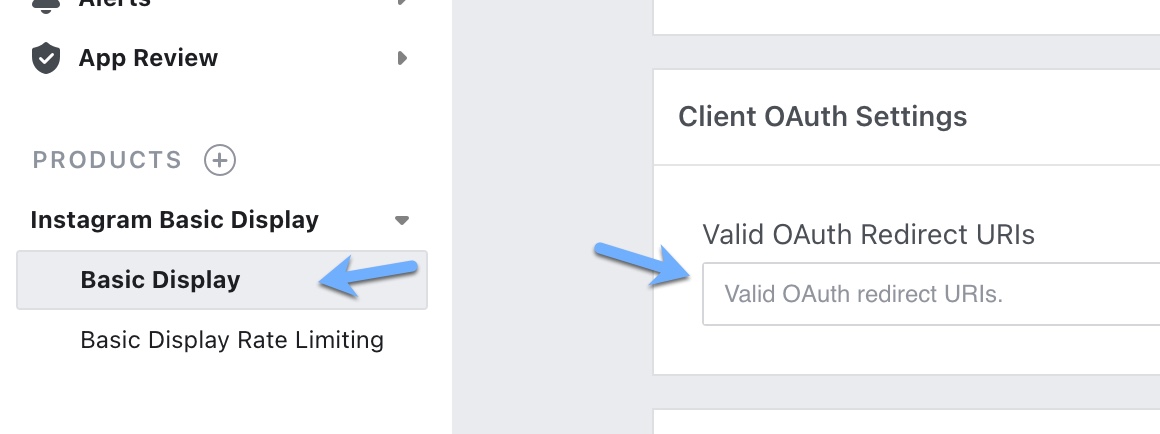
Instagram Redirect Url
Copy the value of this field and save it to your App in this section
TIP
After configuring Instagram settings, you can enable it for the products of your choice by enabling this option