Text options
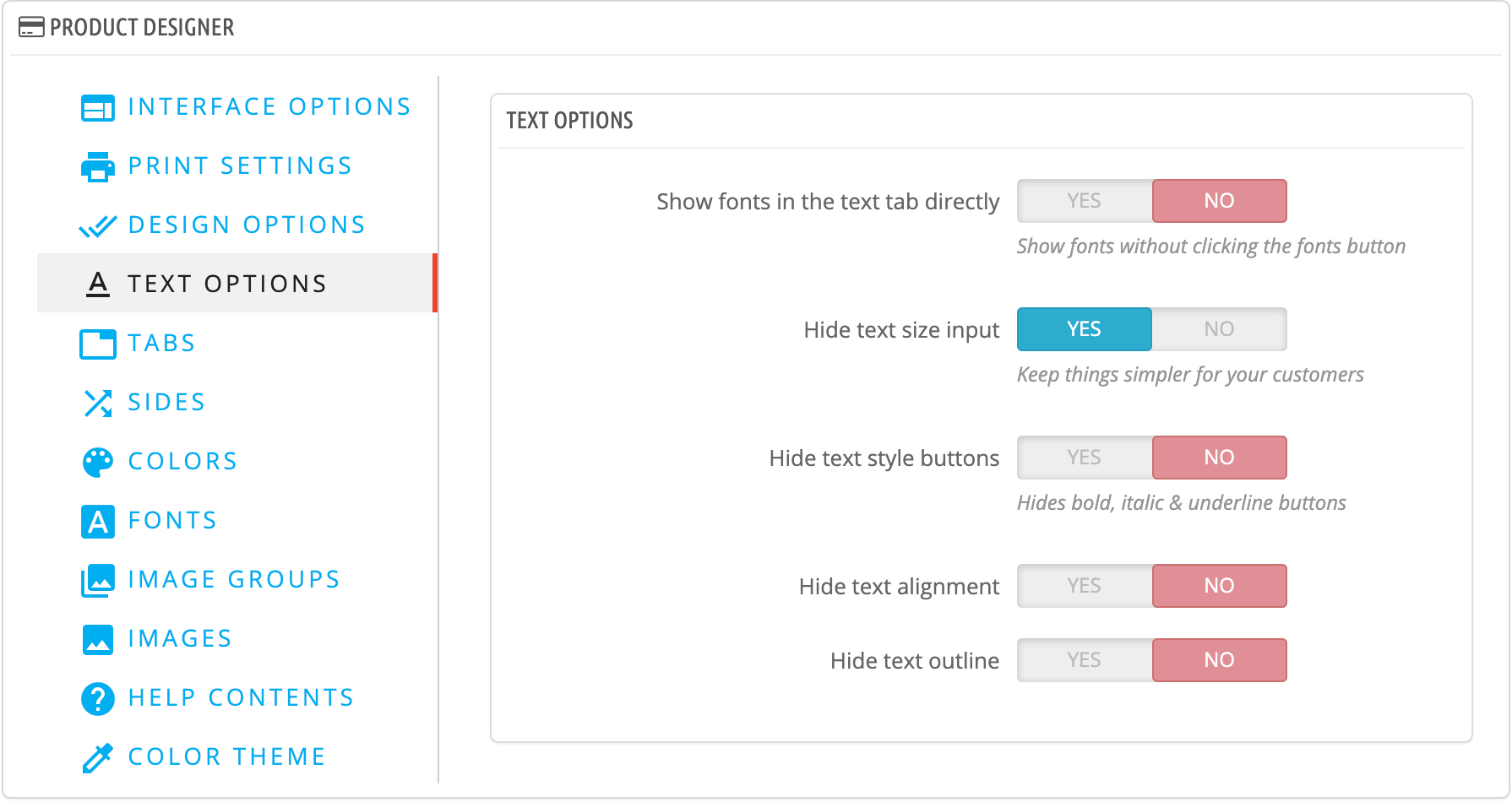
Show fonts in the text tab directly
If enabled, then the fonts will be displayed directly like this
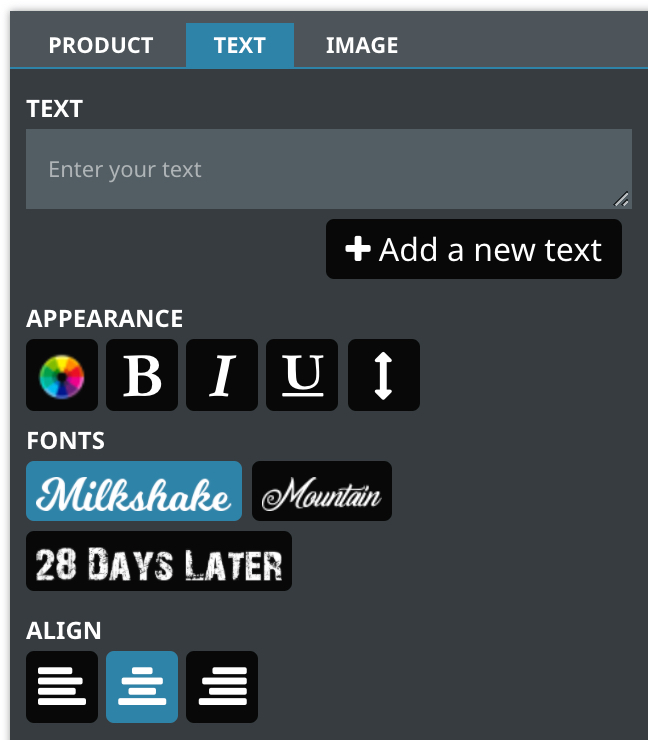
If it's disabled, the fonts will be displayed behind a button 
Show colors in the text tab directly
If enabled, the text colors will be displayed like this
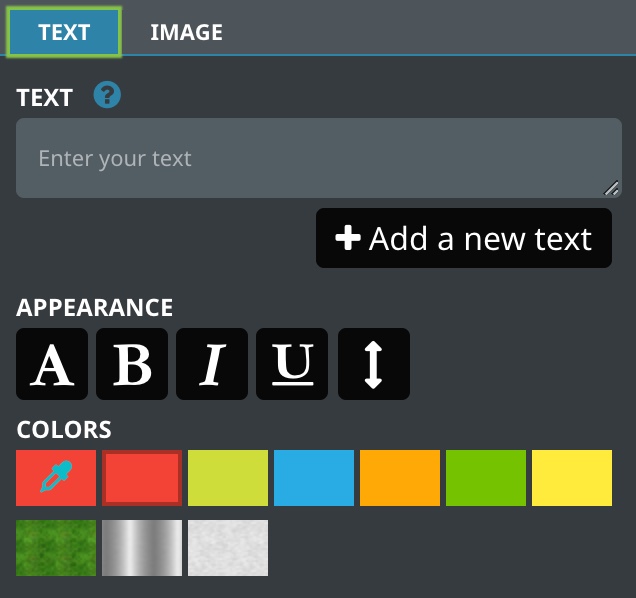
If it's disabled, the colors will be displayed behind this button 
Hide text size input Active recommended
Will hide the size input
This input will give more control over the outline appearance but in most cases it's not needed
Hide text style buttons
Will hide these buttons
Hide text alignment
Will hide these buttons
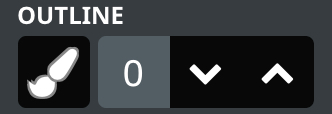
Hide text outline
Will hide the outline section