
Image colors
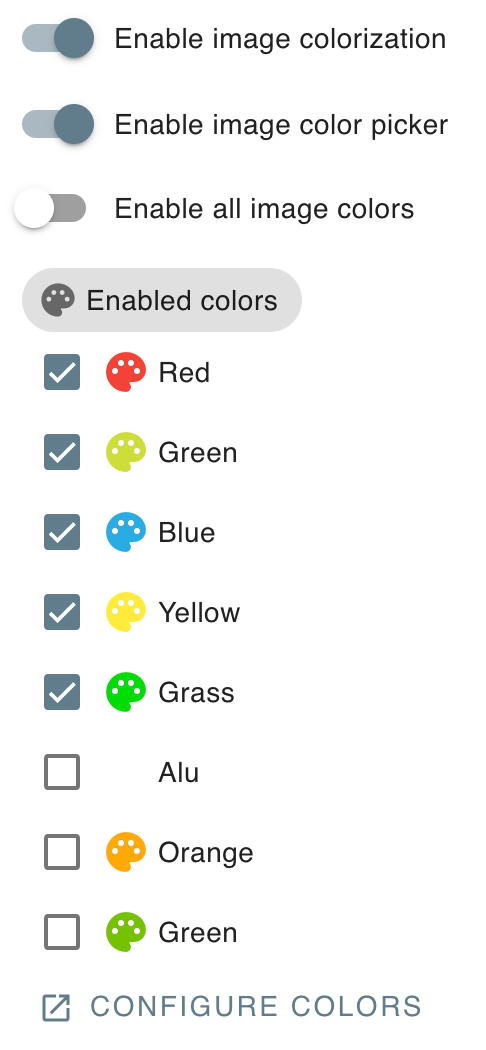
In this section, you can choose whether to enable image colorization and which colors to enable
TIP
For an effective colorization, you need to provide white images or light colored images
White image groups
You can flag an image group as containing white images
When an image is added from this group, it will be automatically colorized using the first available color.
Here's an example showcasing this feature
Original image

Colorized image


TIP
When colorizing an image, the module will skip transparent pixels.
So you can turn the areas that you don't want to be colorized into transparent areas.